Week 6 - Creating Interactive Maps and Animation
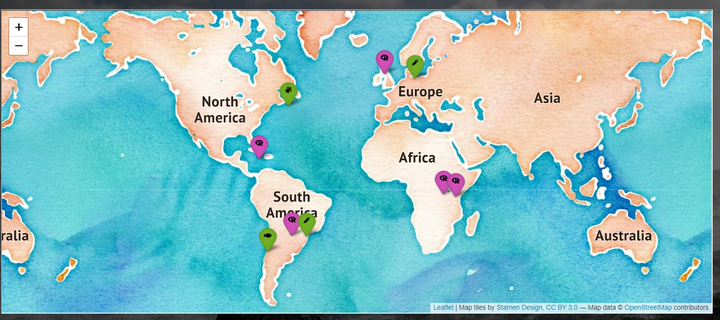
Visualizing locations and changes through time
Tasks
- Complete the assignments
- Complete the readings
Slides
No. |
Title |
Slides |
|---|---|---|
| 01 | Creating Interactive Maps using leaflet |
|
| 02 | Optional Slides: Creating Interactive Graphics with gganimate |
Class Activities
Activity |
Title |
Date |
|---|---|---|
| Leaflet Tutorial | Introduction to Spatial Data with R and Leaflet | Tue, 22 Oct |
| Leaflet Tutorial Contd | Introduction to Spatial Data with R and Leaflet | Wed, 23 Oct |
| Lab 04a | La Quinta | Fri, 25 Oct, 23:59 EST |
Assignments
Assignment |
Title |
Due |
|---|---|---|
| Due this week | ||
| R 02 | What’s going on in this graph? | Mon, 21 Oct, 23:59 EST |
| Projects | Proposal Revisions | Tue, 22 Oct, 23:59 EST |
| HW 04 | Lego Sales - Optional Practice | Fri, 25 Oct, 23:59 EST |
| Due next week | ||
| Lab 04a | La Quinta | Thu, 31 Oct, 23:59 EST |
| Q 04 | Coding style - based on style guide reading | Sun, 3 Nov, 23:59 EST |
Readings
| 📖 | RStudio Leaflet Tutorial | Optional |
| 📄 | Rspatial Data Tutorials | Optional |
| 📄 | Geocomputation with R | Optional |
| 📄 | gganimate guidance | Optional |
Interactive R tutorials
No new interactive R tutorials. Spend time working on projects or the lab.